One Username to Rule Them All: Why We're Updating Our User Naming Rules
Thursday, August 21, 2025 by Colan Schwartz
Consistent logins, smoother backups, fewer headaches.
We’ve always believed your experience at BackupScale should be effortless. That’s why our account-management dashboard site runs on Drupal, which lets you sign up in seconds with practically any username you like.
But as we prepare to launch paid plans and expand our platform, that freedom started bumping into the real‑world limits of our back‑end systems. To keep everything running smoothly, we’re introducing new, streamlined username rules that work everywhere, now and in the future.
The Challenge: Many Systems, One Username
Your username isn’t just a label on the dashboard site. Behind the scenes it appears in several places:
| Where it shows up | Why it matters |
|---|---|
| Linux shell accounts | Each SSH session that powers the Rclone storage handler runs under a service account named after you. Linux balks at spaces, the “@” symbol, and lots of other punctuation. |
| LDAP directory | Our load‑balanced worker pods authenticate via LDAP. Exotic characters can break filters and tooling. |
| Object storage paths | Every backup lands in a path like region/your‑username/repository1. Characters such as “/”, “:” or trailing spaces wreak havoc on URLs and compatibility across platforms. |
| Future storage buckets | Bucket names are even more restrictive; we’re planning ahead so nobody has to rename later, just in case we one day provide a bucket per user. |
In short, letting different subsystems interpret usernames in their own way is a recipe for subtle bugs (e.g. “Why can’t I restore from repository #2 on Windows?”) and painful migrations, which we’d rather avoid.
The New Rule Set (a.k.a. The Regex)
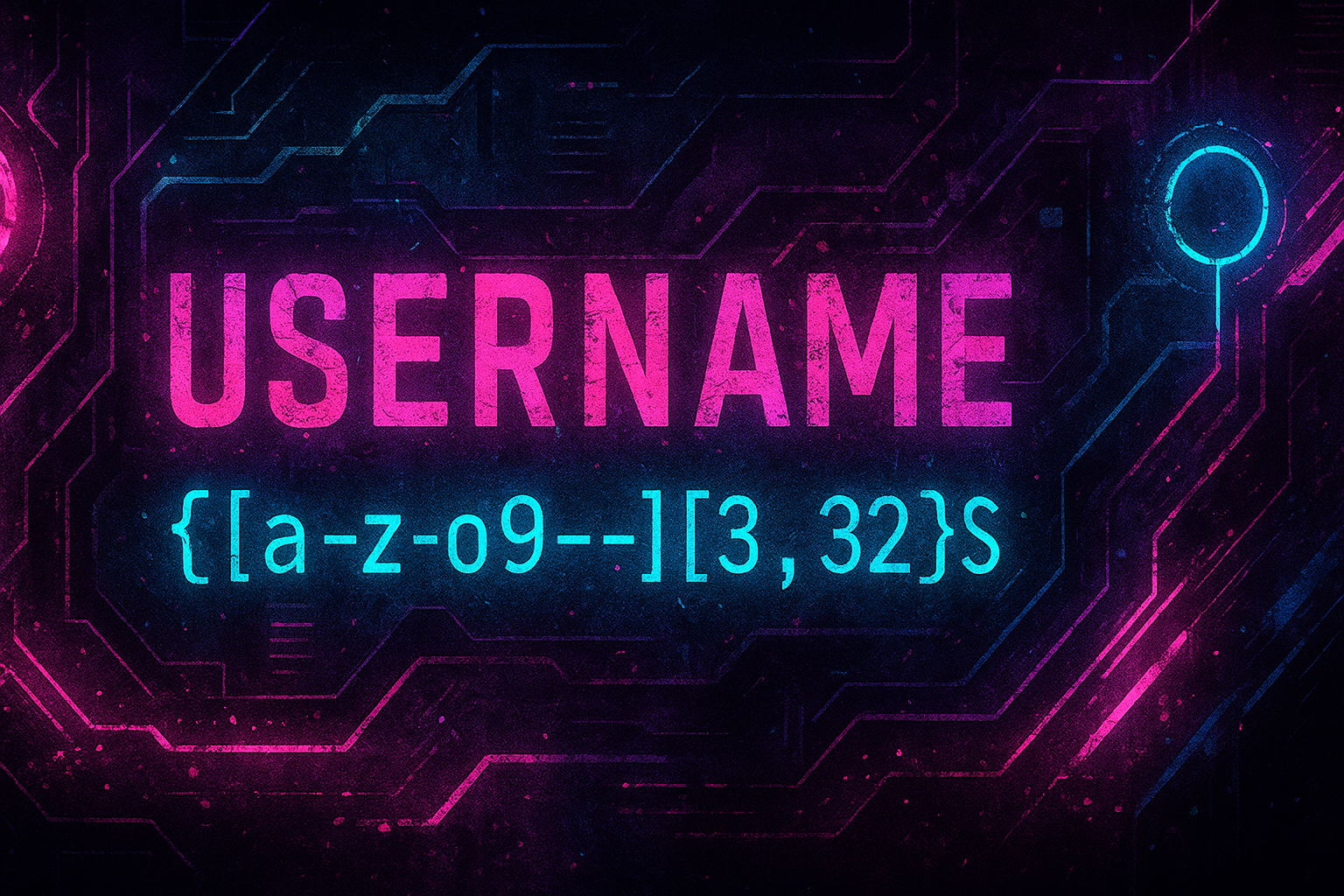
Beginning immediately, usernames must match this regular expression:
^[a-z]+[a-z0-9\-]+[a-z0-9]+$
Translated to English:
- ✅ Lowercase letters only (a to z). No uppercase surprises.
- ✅ Digits are fine, after the first letter.
- ✅ Hyphens are allowed, but not at the very start or end.
- 🚫 No spaces, underscores, dots, slashes, @’s, emojis, etc.
- 🔢 Length: 3 – 32 characters (inclusive).
These constraints keep every system, Linux, Rclone, object storage, and tomorrow’s integrations, happy.
Quick Examples
| Valid | Invalid | Why? |
|---|---|---|
alice |
Alice |
Contains uppercase. |
bob-42 |
-bob |
Starts with a hyphen. |
charlie99 |
charlie_99 |
Underscore not allowed. |
delta-tango |
delta tango |
Space not allowed. |
ecto1 |
ecto. |
Trailing dot not allowed. |
What It Means for Existing Accounts
Already have a dashboard account for managing your mailing list subscription? You’re ahead of the game! Before you subscribe to a backup plan, you’ll be prompted to update any username that doesn’t meet the new standard.
Do it today → Log in → Edit your account and pick a compliant name, so that you’re ready when subscriptions go live.
We’ve also added inline validation and helpful hints so there’s no need to memorize the regex syntax.
Why This Is Good News
- One login everywhere: same username for the dashboard, backup service, and storage location.
- Fewer edge‑case failures: backups and restores behave the same on Linux, macOS, and Windows.
- Future‑proof: when we add features, services, or bucket‑per‑user options, your username will already fit.
- Security & auditing: predictable names make log analysis and permissions management simpler.
- Customer support: we’ll be able to identify you with a single ID, without having to translate across systems.
Need Help or Have Feedback?
We’re here for you! Reach out via our community page. And if you think we’ve missed an important edge case, let us know; this is your platform too.
Thanks for helping us make BackupScale reliable, secure, and delightfully friction‑free. 🎉